Using the

Using the KKP Better App

Your complete guide to a Better experience

How can we help you?

Getting Started

Getting Started

How to Register for KKP Better App (New Customers)

Get started with the application with ease.

Step 1

Step 1

Tap “Get started” to begin using the KKP Better app. 
Step 2

Step 2

Fill in your ID card number and date of birth, then tap "Next".
Step 3

Step 3

Review the product details offered by the bank. If interested, tap "Next". 
Step 4

Step 4

Select the products you wish to apply for, then tap "Next".
Step 5

Step 5

If interested in KKP Better Loan, tap "Explore loan products".
Step 6

Step 6

Select the type of loan product you wish to apply for.
Step 7

Step 7

Review the loan product details, then tap "Apply Now!".
Step 8

Step 8

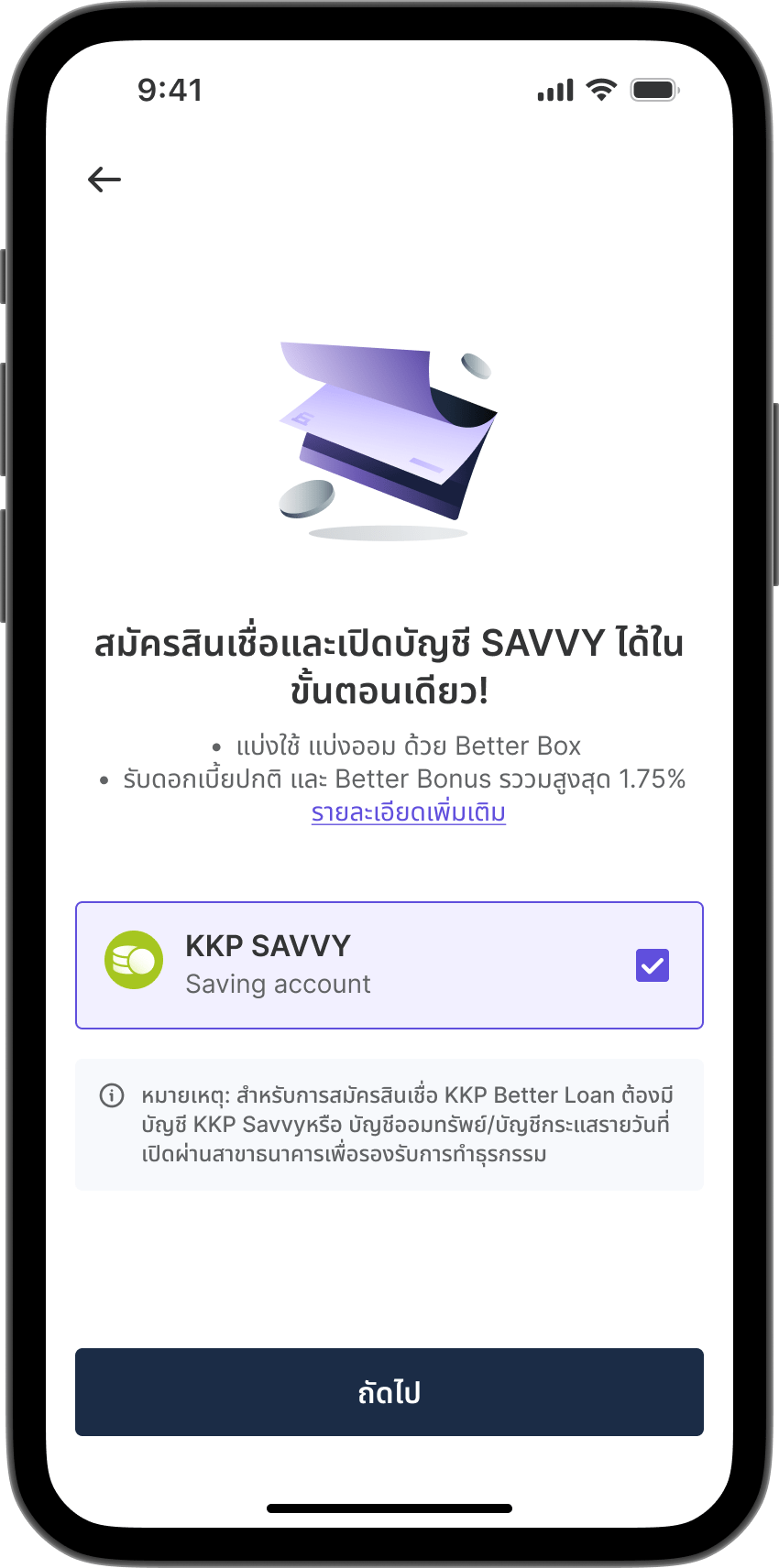
Select any additional products of interest (if any), then tap "Next".
Step 9

Step 9

Enter the mobile phone number registered with the account holder's name, then tap "Next".
Step 10

Step 10

Enter the OTP code to verify your mobile phone number.
Step 11

Step 11

Enter your email address to receive transaction notifications and online documents, then tap "Next".
Step 12

Step 12

Enter the OTP code to verify your email address.
Step 13

Step 13

Review and accept the KKP Better app terms and conditions , then tap "Next". 
Step 14

Step 14

Review and accept the KKP Better app privacy policy, then tap "Next".
Step 15

Step 15

Fill in personal information for verification with the Department of Provincial Administration, then tap "Next".
Step 16

Step 16

Complete additional personal information, then tap "Next".
Step 17

Step 17

Verify your identity through other bank apps with registered NDID or use Dip Chip service through channels designated by the bank.
Step 18

Step 18

Perform facial scan for identity verification.
Step 19

Step 19

Fill in your address information, then tap "Next".
Step 20

Step 20

Fill in occupation, income, and marital status information, then tap "Next".
Step 21

Step 21

Complete legal information, then tap "Next".
Step 22

Step 22

If applying for an investment account, complete the risk assessment questionnaire.
Step 23

Step 23

Review and confirm all information is accurate and complete, then tap "Confirm".
Step 24

Step 24

Create and confirm your PIN for KKP Better app.
Step 25

Step 25

Registration completed successfully. Tap "Get started!" to access the main page.