Using the

Using the KKP Better App

Your complete guide to a Better experience

How can we help you?

Other services

Other services

How to Check Your Credit Bureau Report

Check your credit bureau information conveniently and get instant results. So you can plan your future with confidence.

Free Credit Bureau Check
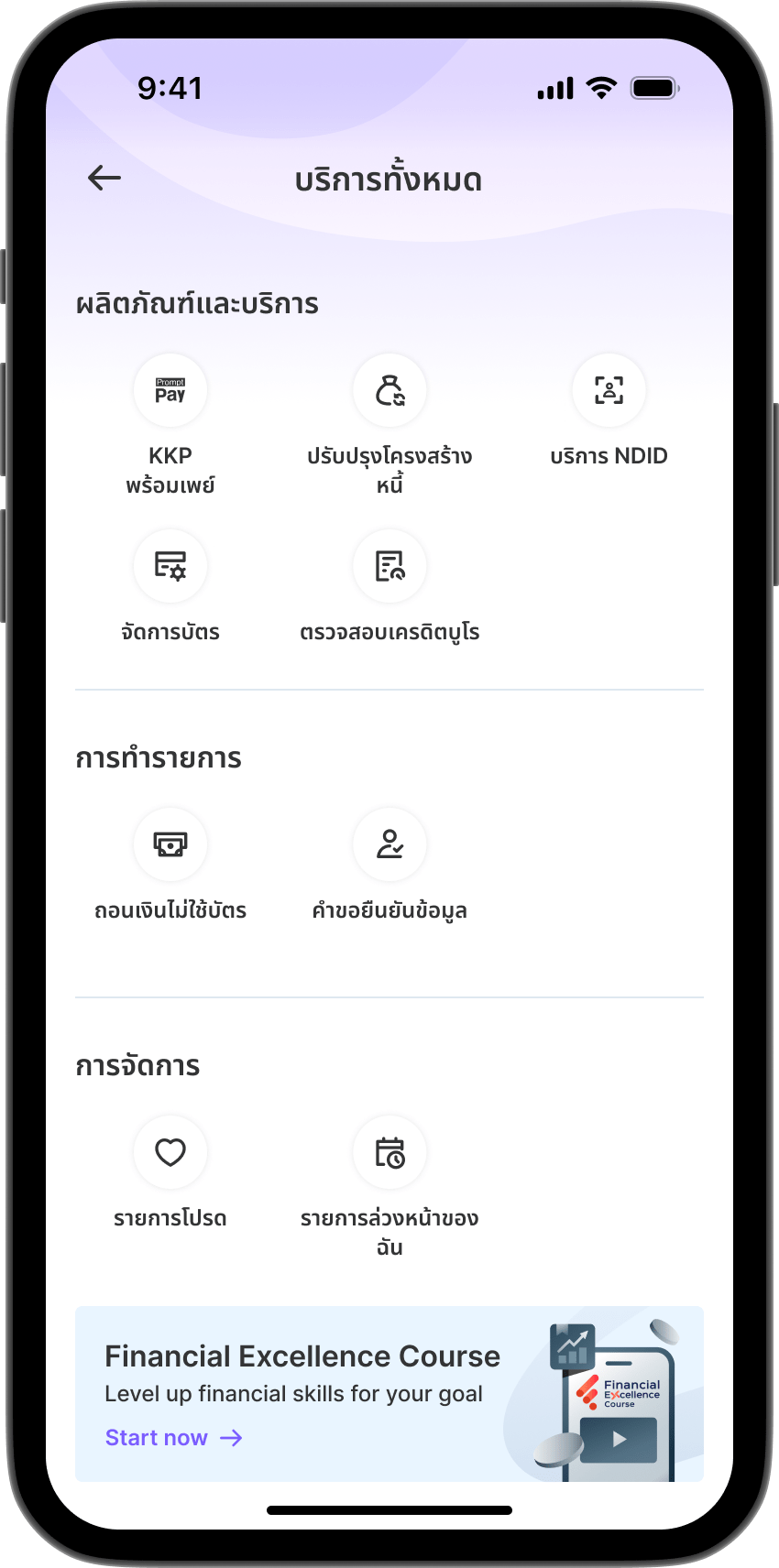
Step 1

Step 1

Select "Check Credit Bureau" from the All Services.
Step 2

Step 2

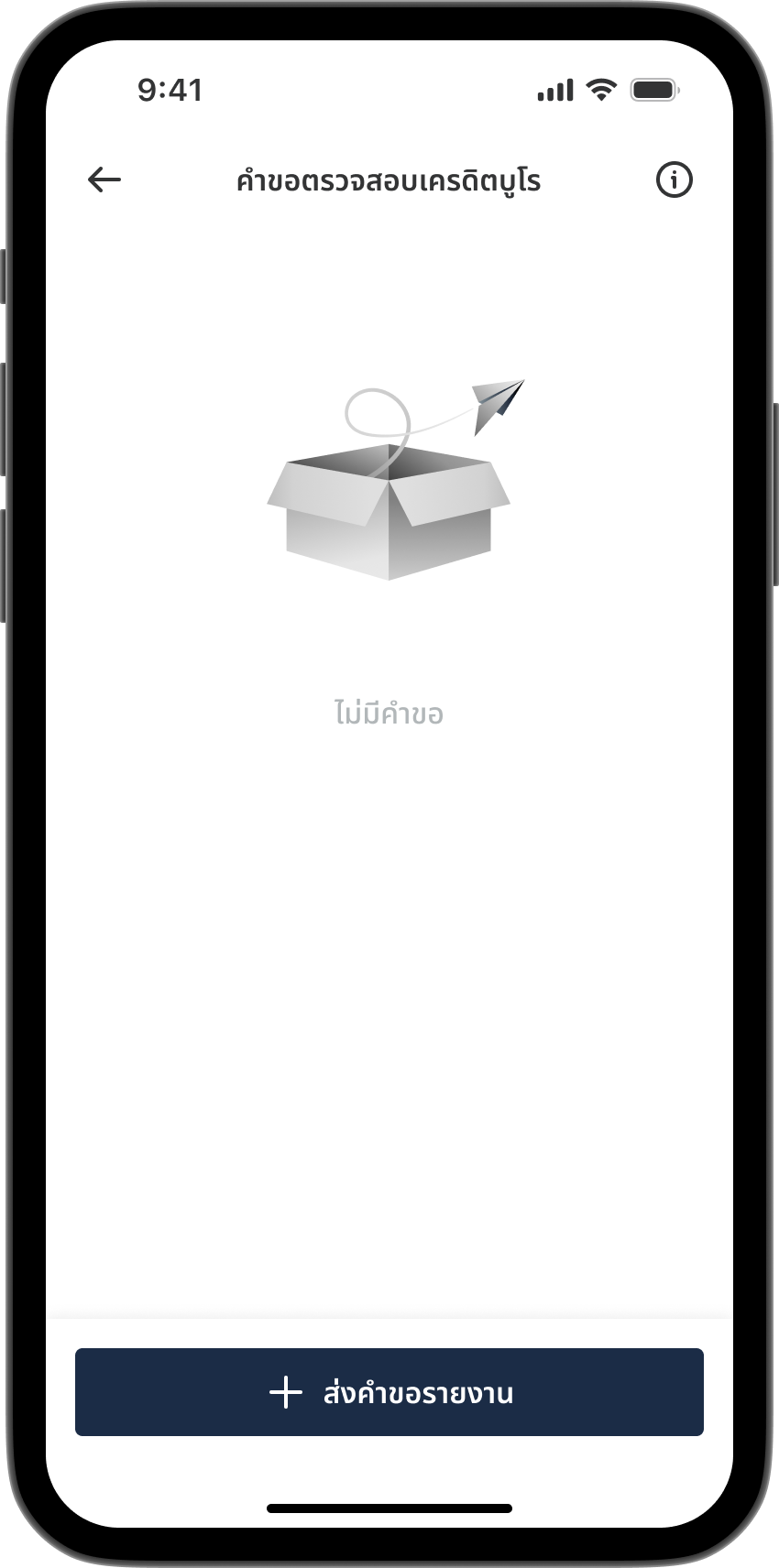
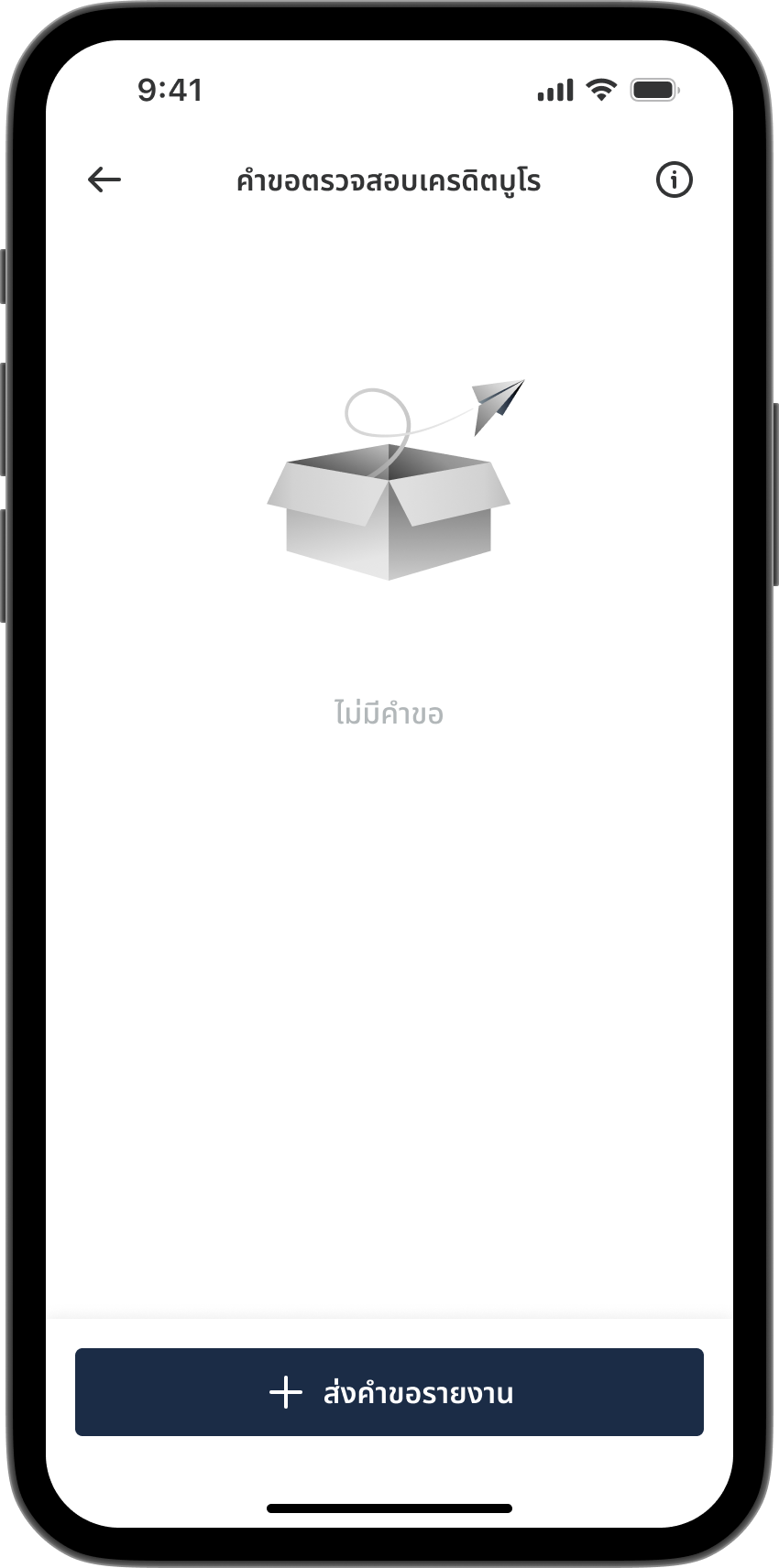
Select "Request Report".
Step 3

Step 3

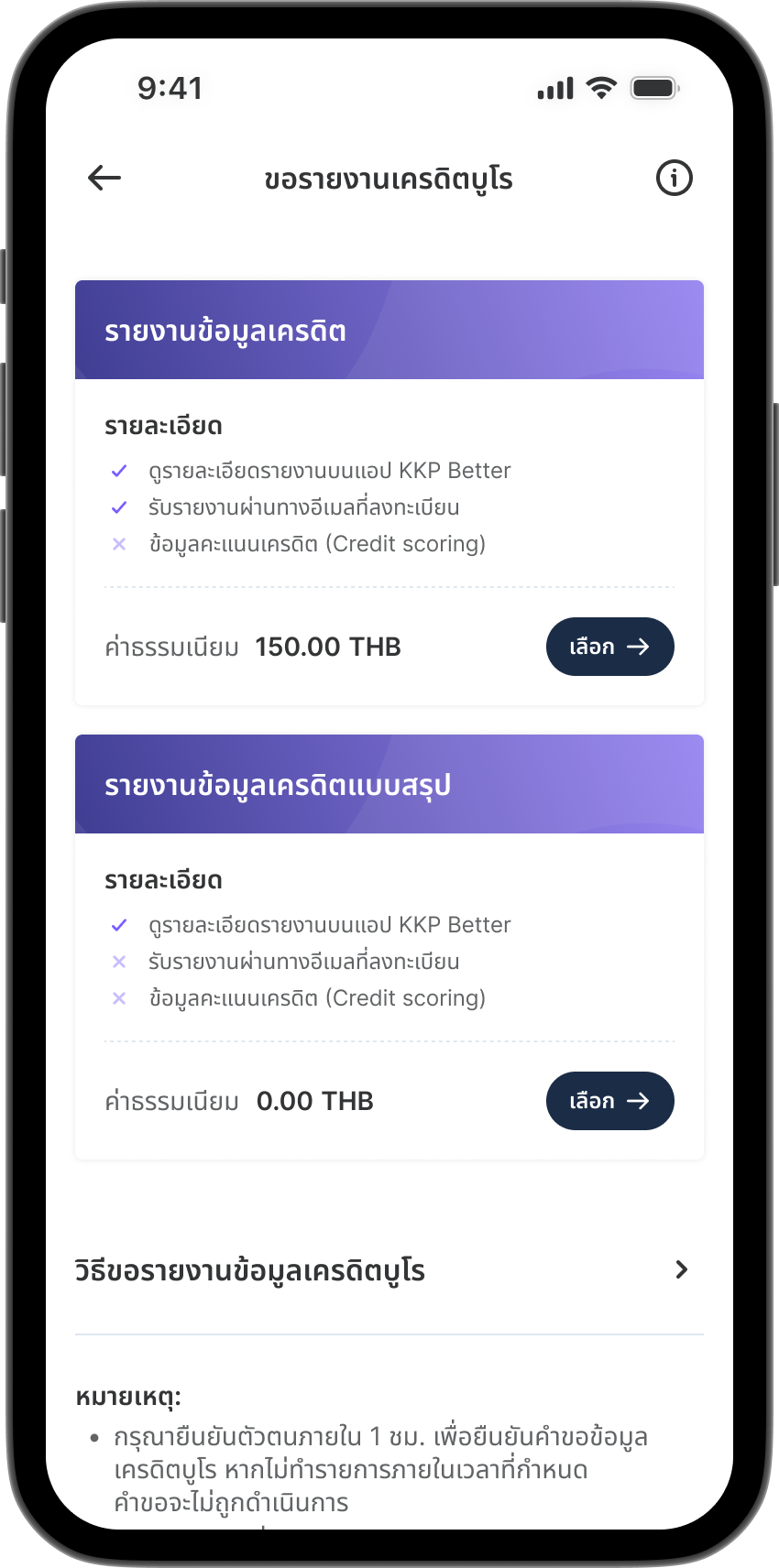
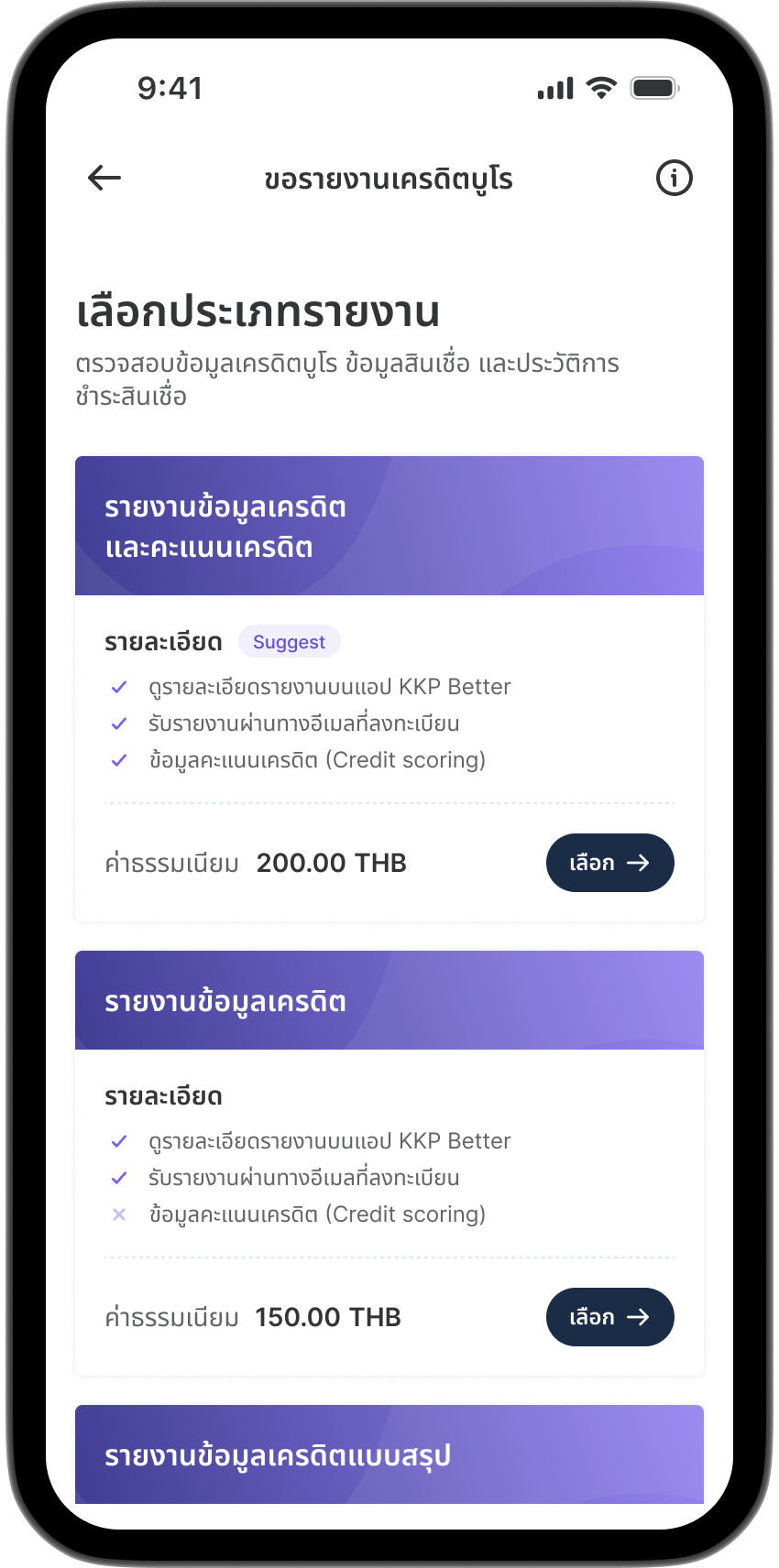
Choose report type by selecting
"Credit Information Summary Report".
Step 4

Step 4

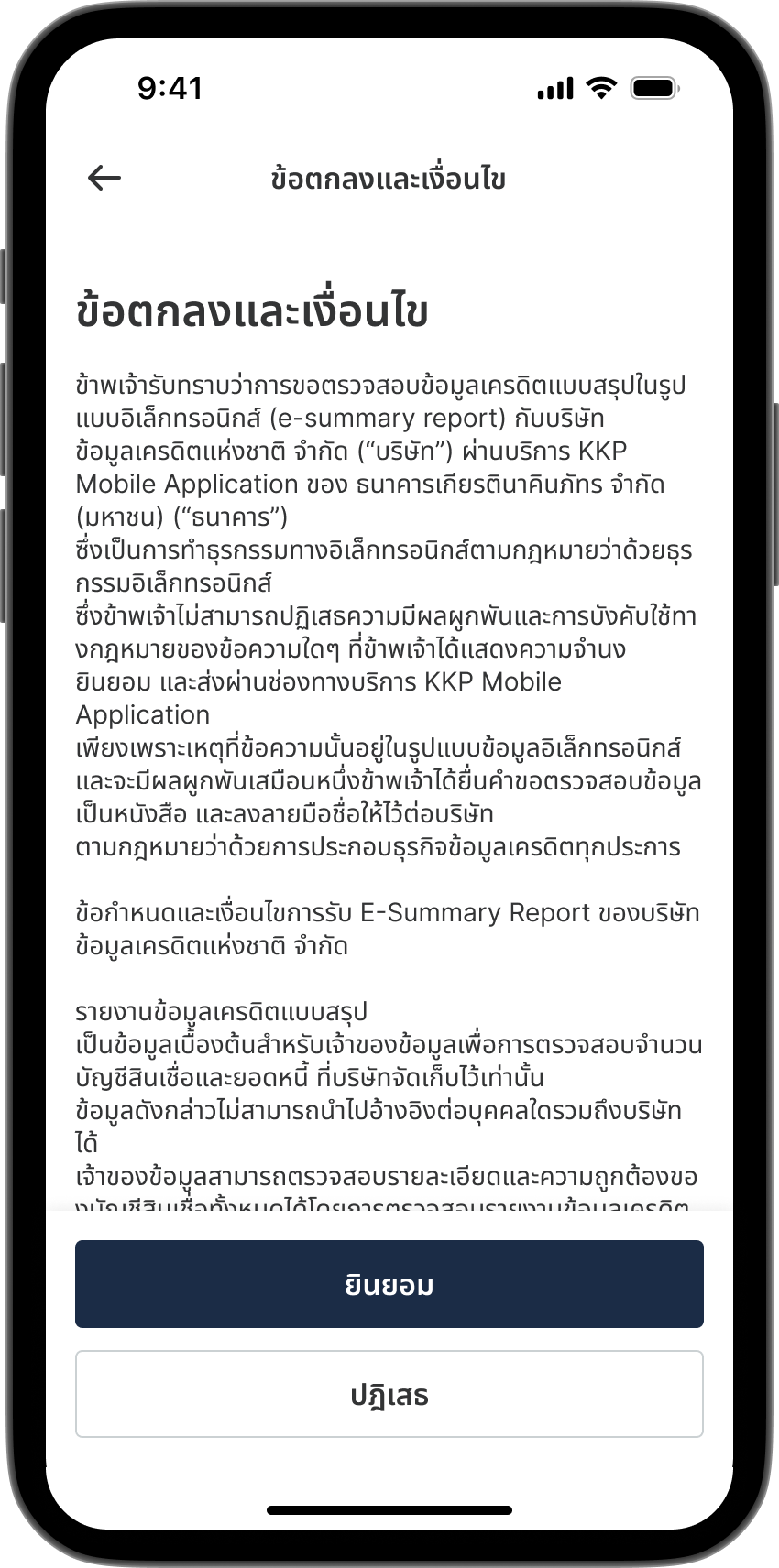
Accept the terms and conditions.
Step 5

Step 5

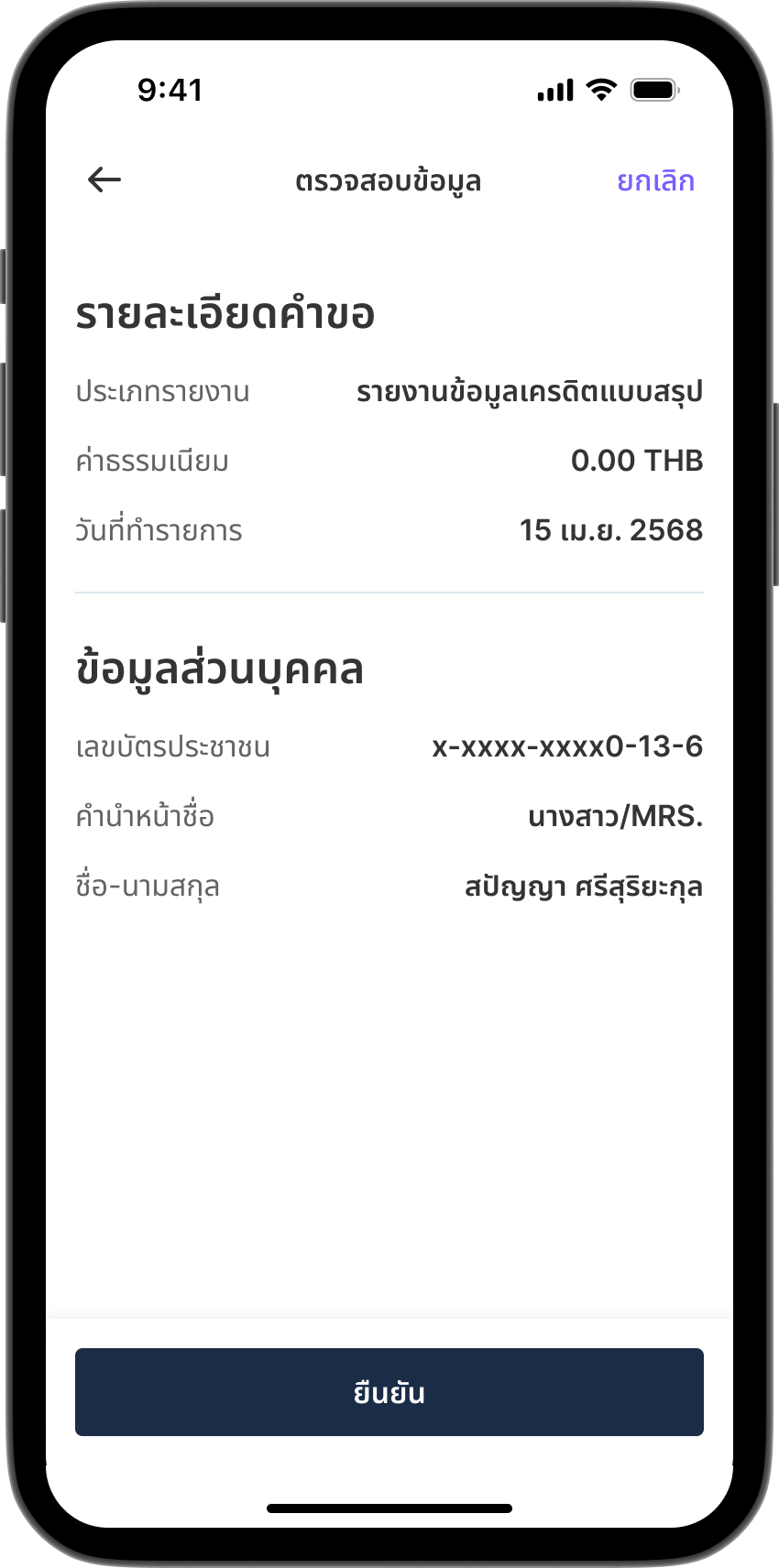
Review your information.
Step 6

Step 6

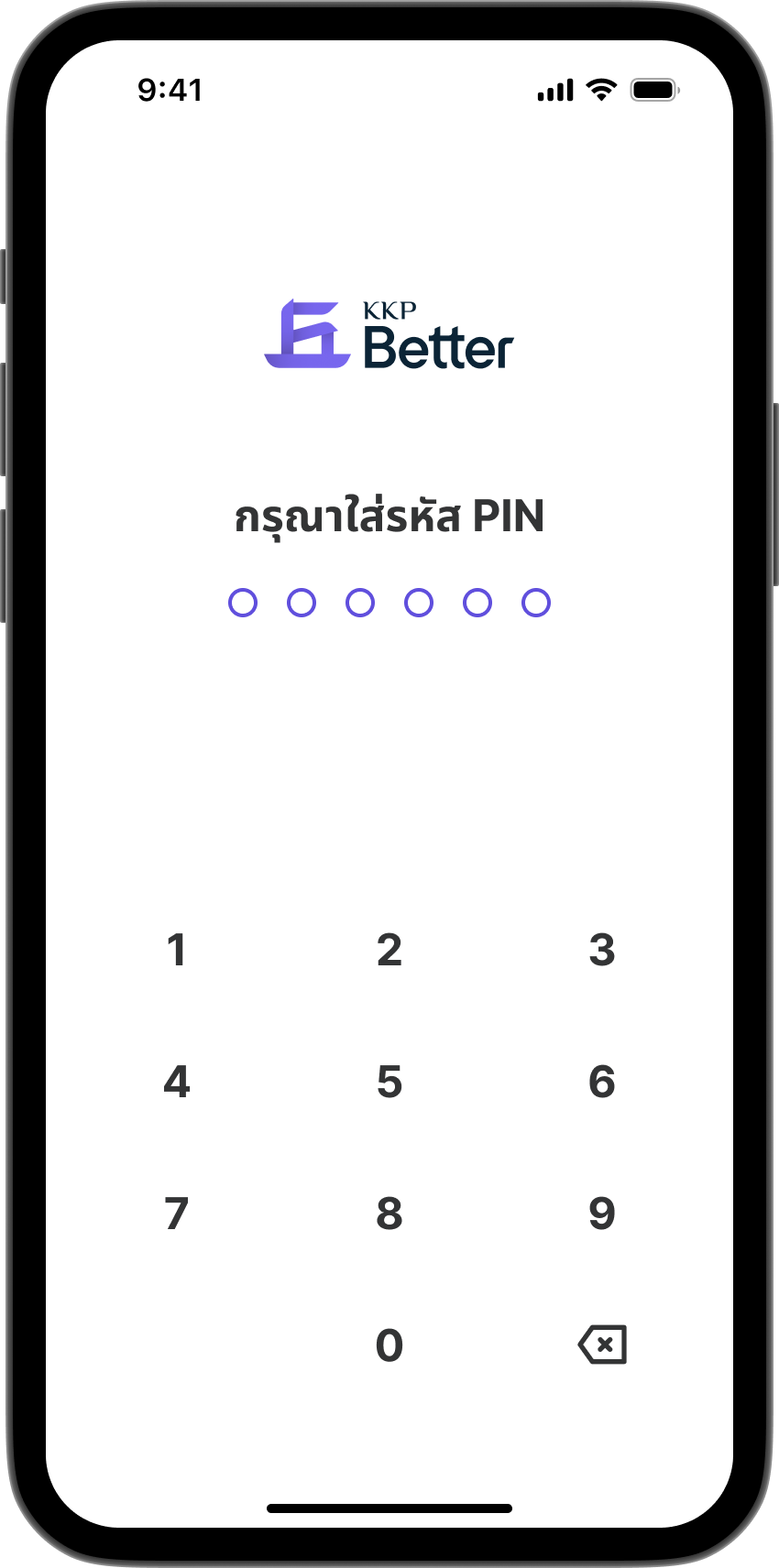
Enter your PIN to confirm the transaction.
Step 7

Step 7

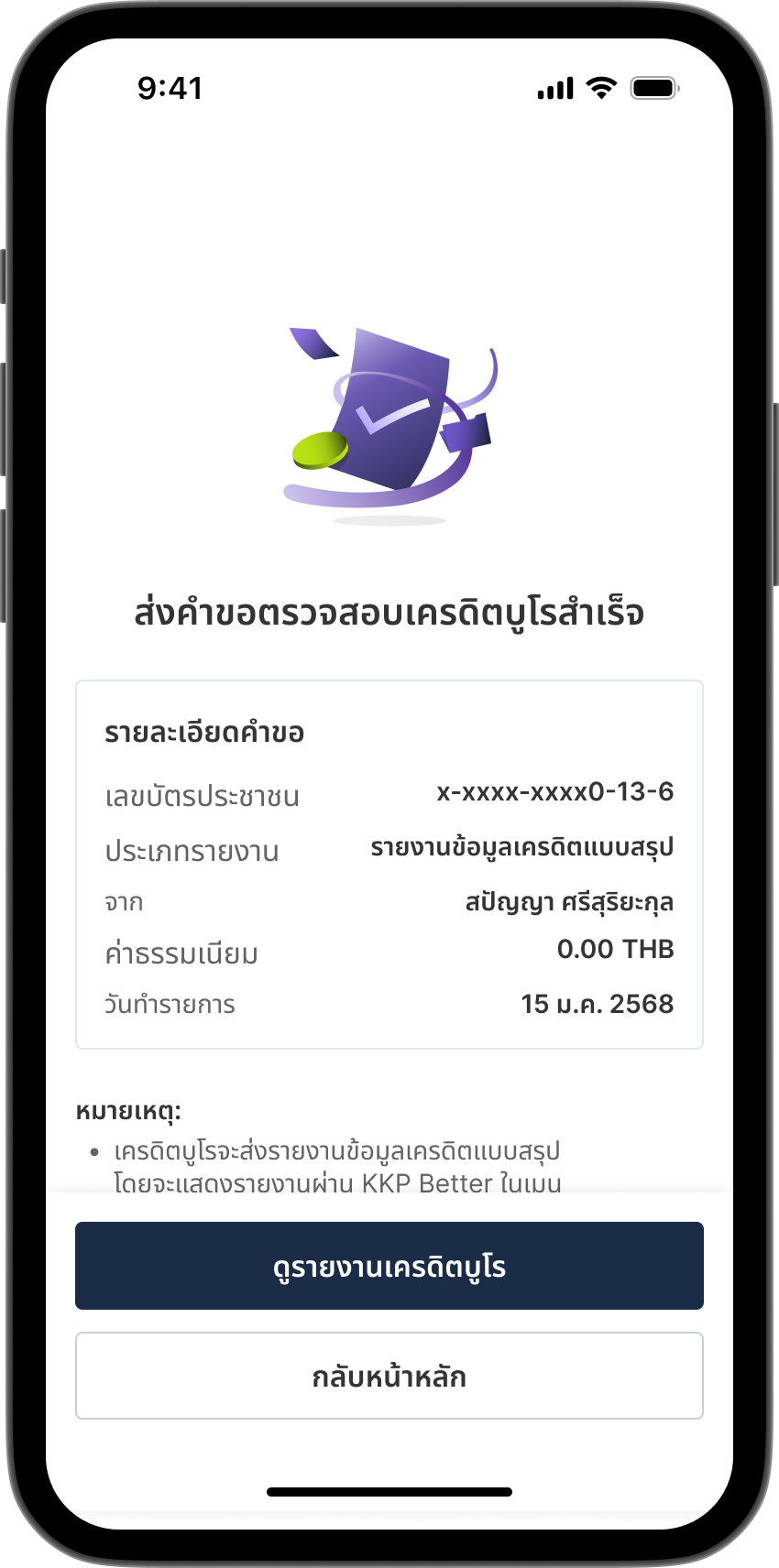
Credit bureau request submitted successfully.
Tap "View Credit Bureau Report" to see your report.
Paid Credit Bureau Check
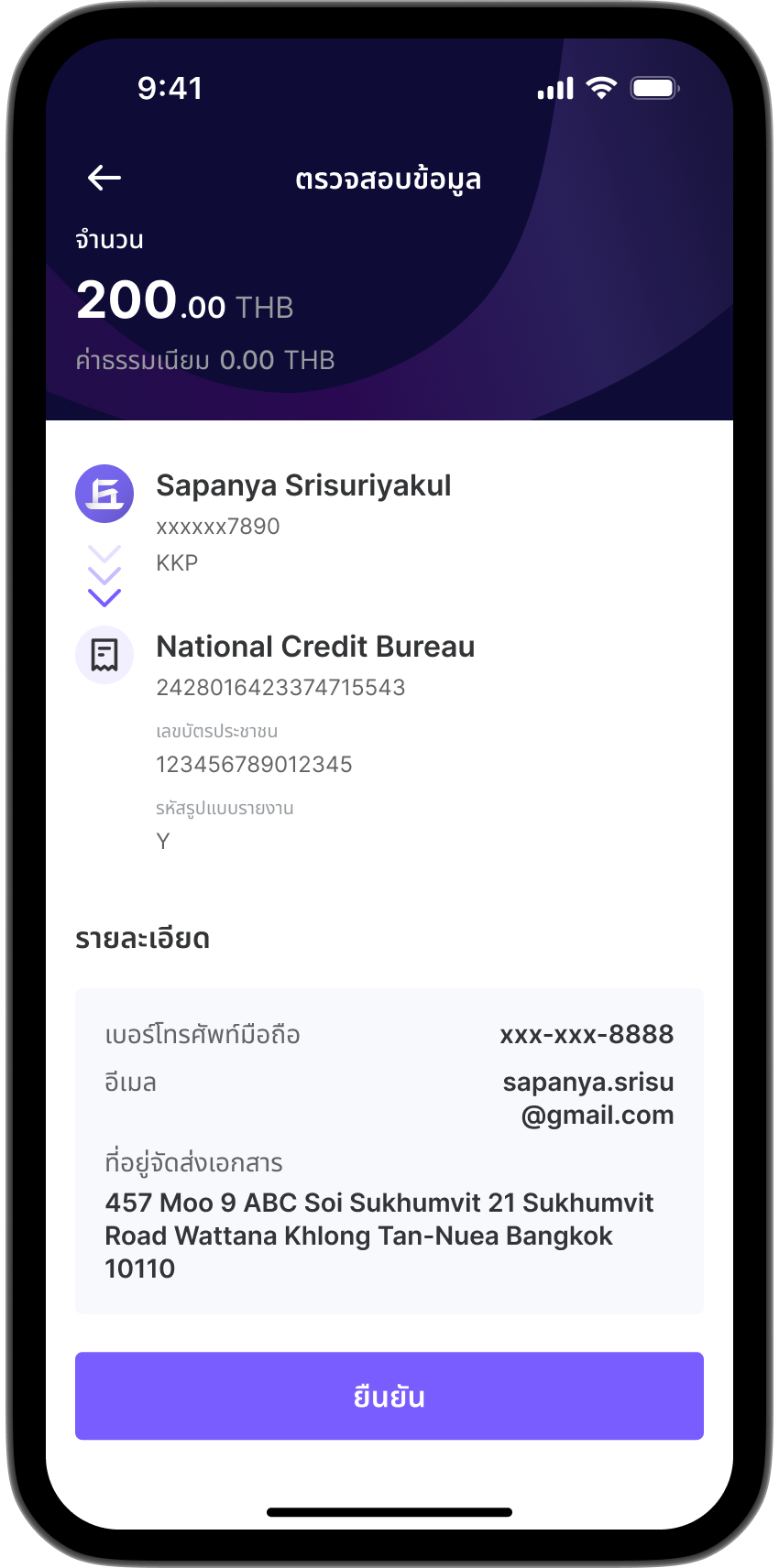
Step 1

Step 1

Select "Check Credit Bureau" from the All Services.
Step 2

Step 2

Select "Request Report".
Step 3

Step 3

Choose report type by selecting
"Credit Information and Credit Score Report" or "Credit Information Report".
Step 4

Step 4

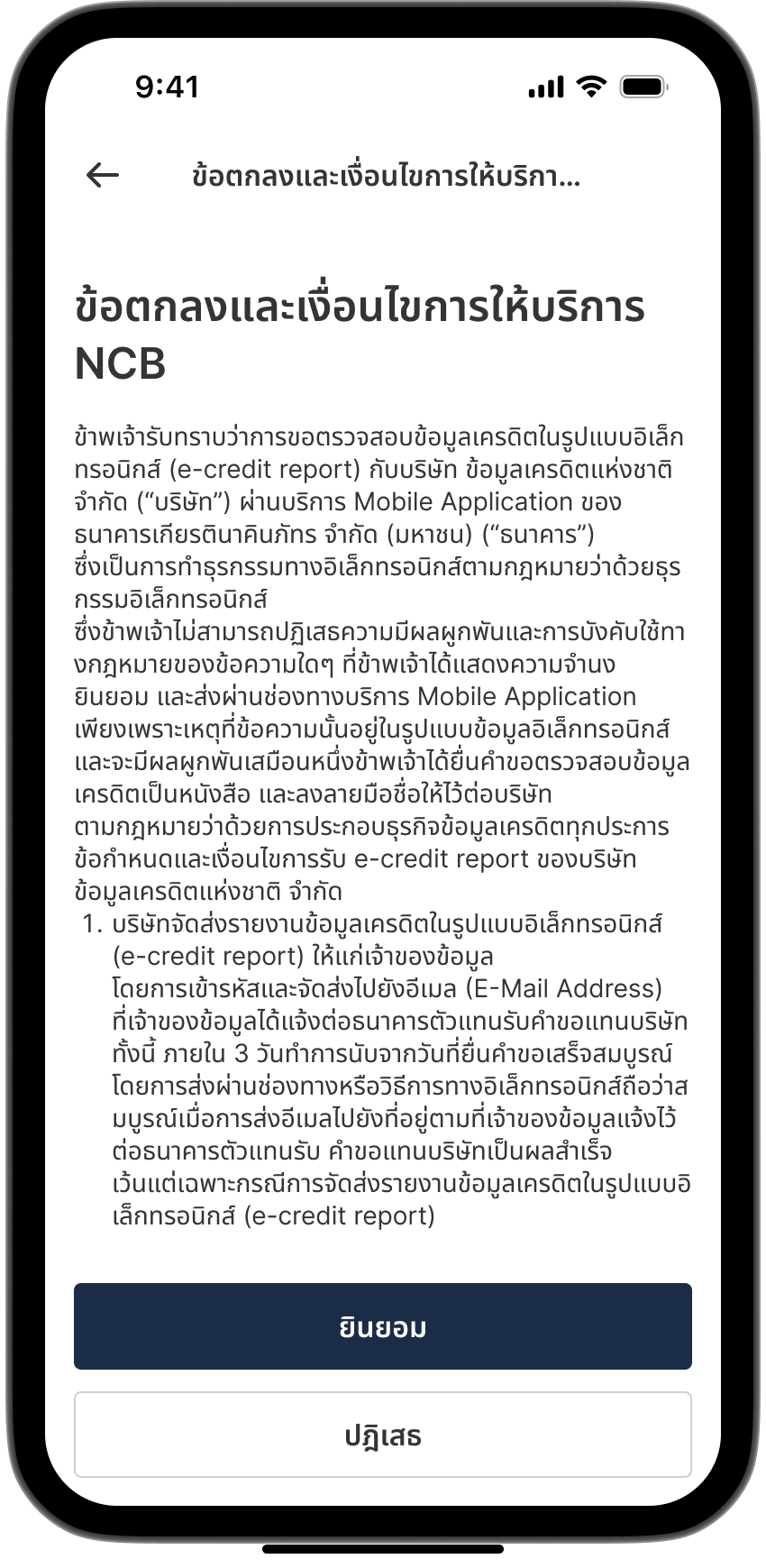
Accept the terms and conditions.
Step 5

Step 5

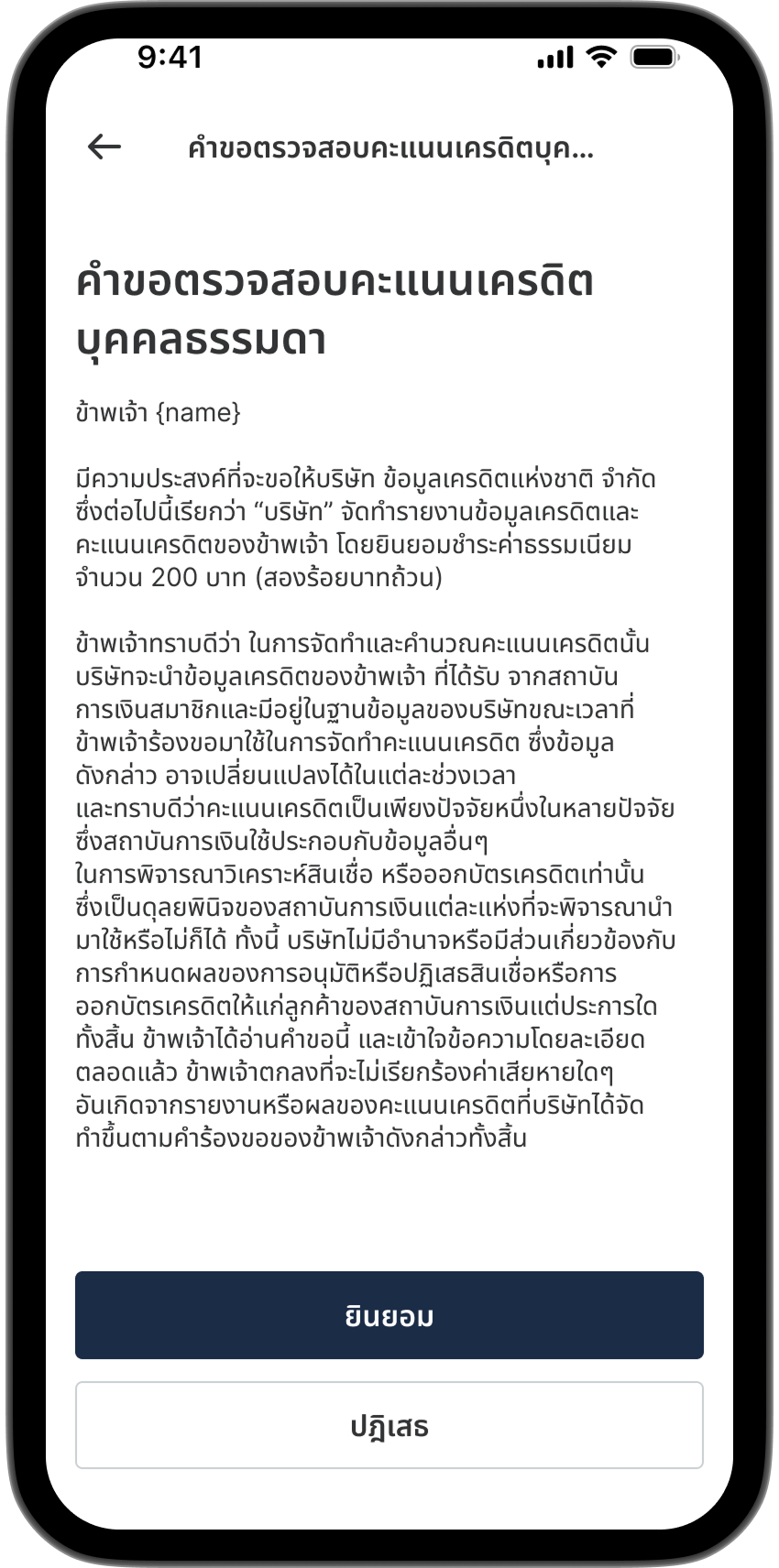
Accept the personal credit information inquiry consent.
Step 6

Step 6

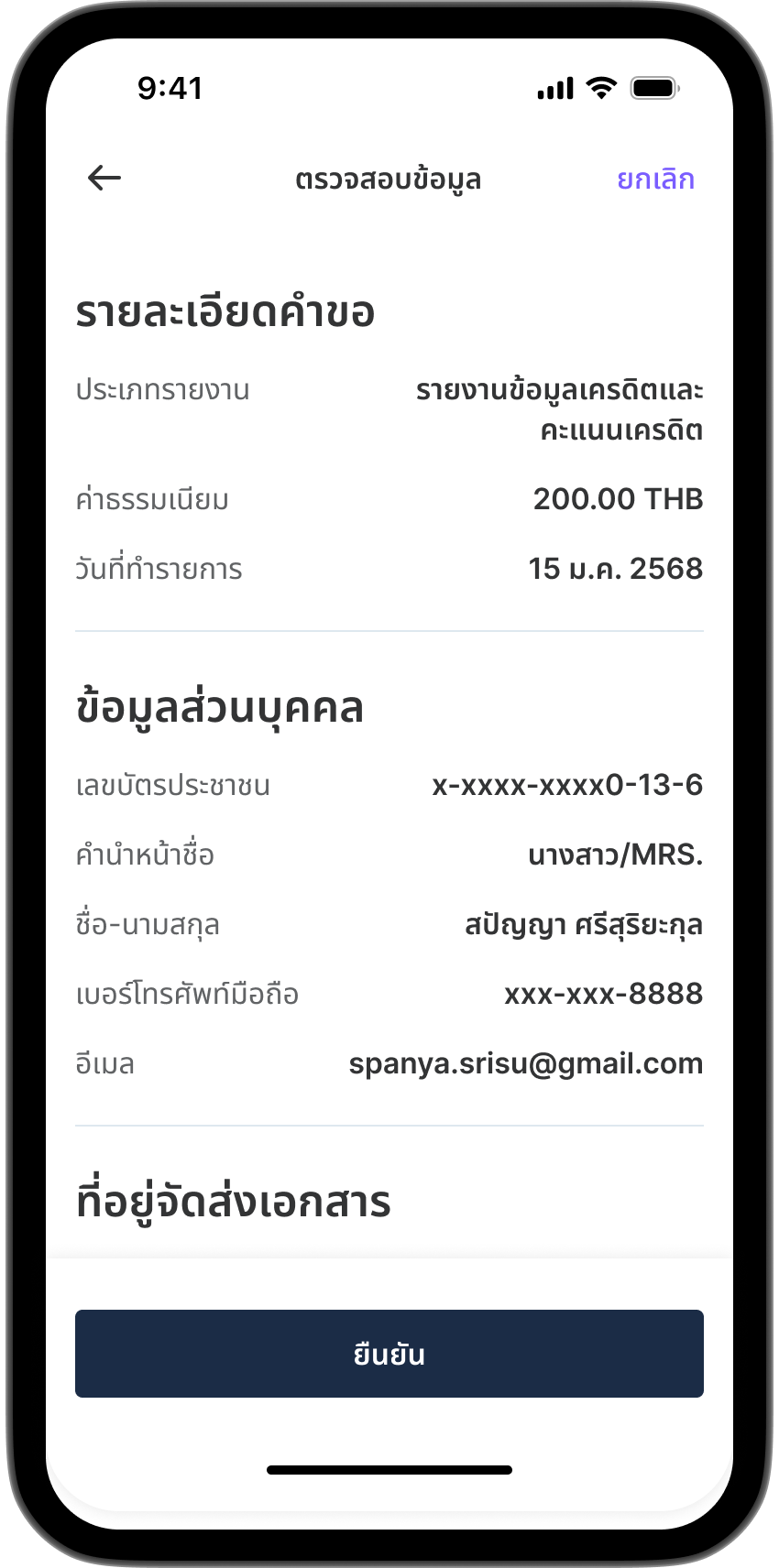
Review your information.
Step 7

Step 7

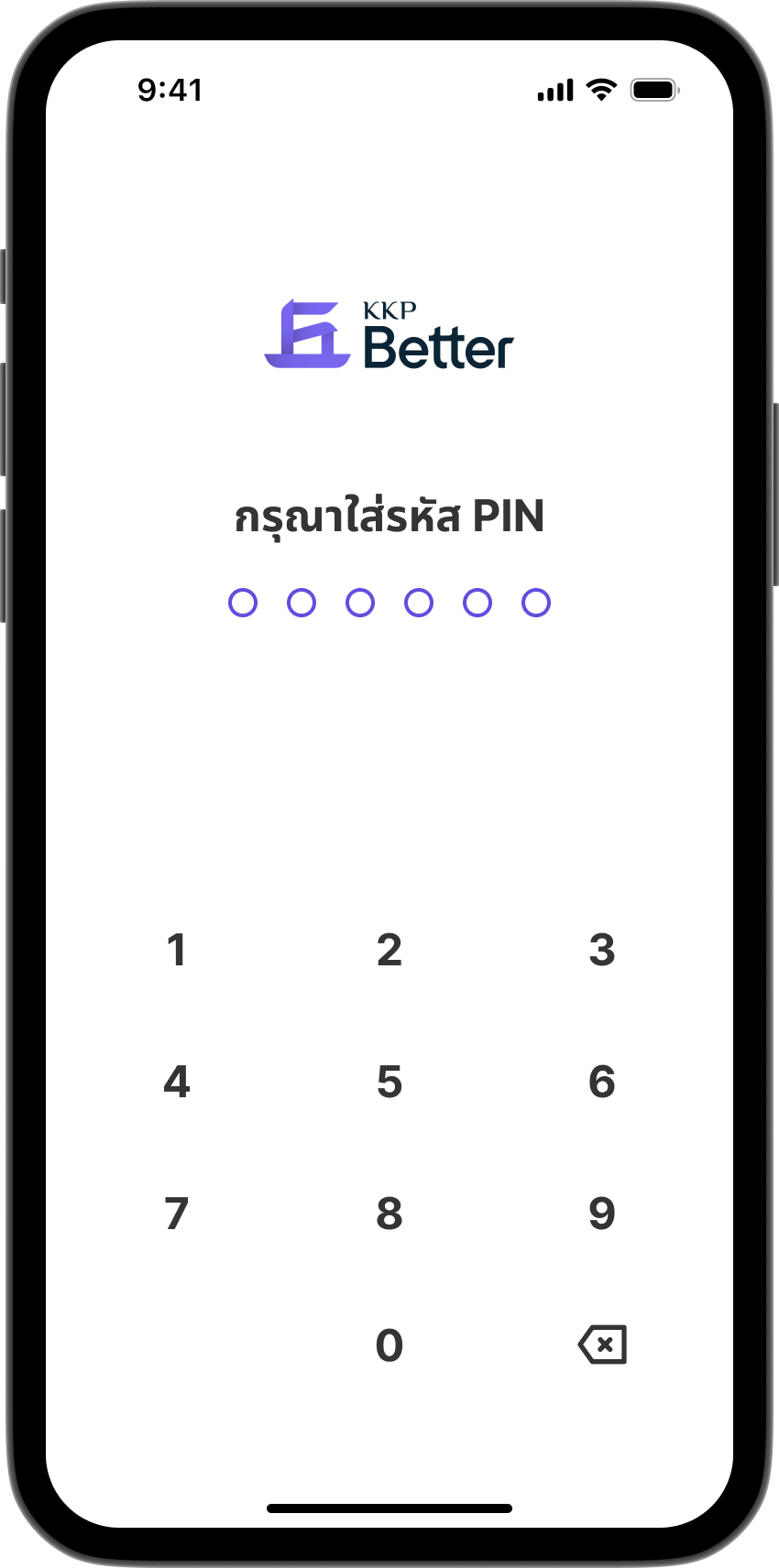
Enter your PIN to confirm the transaction.
Step 8

Step 8

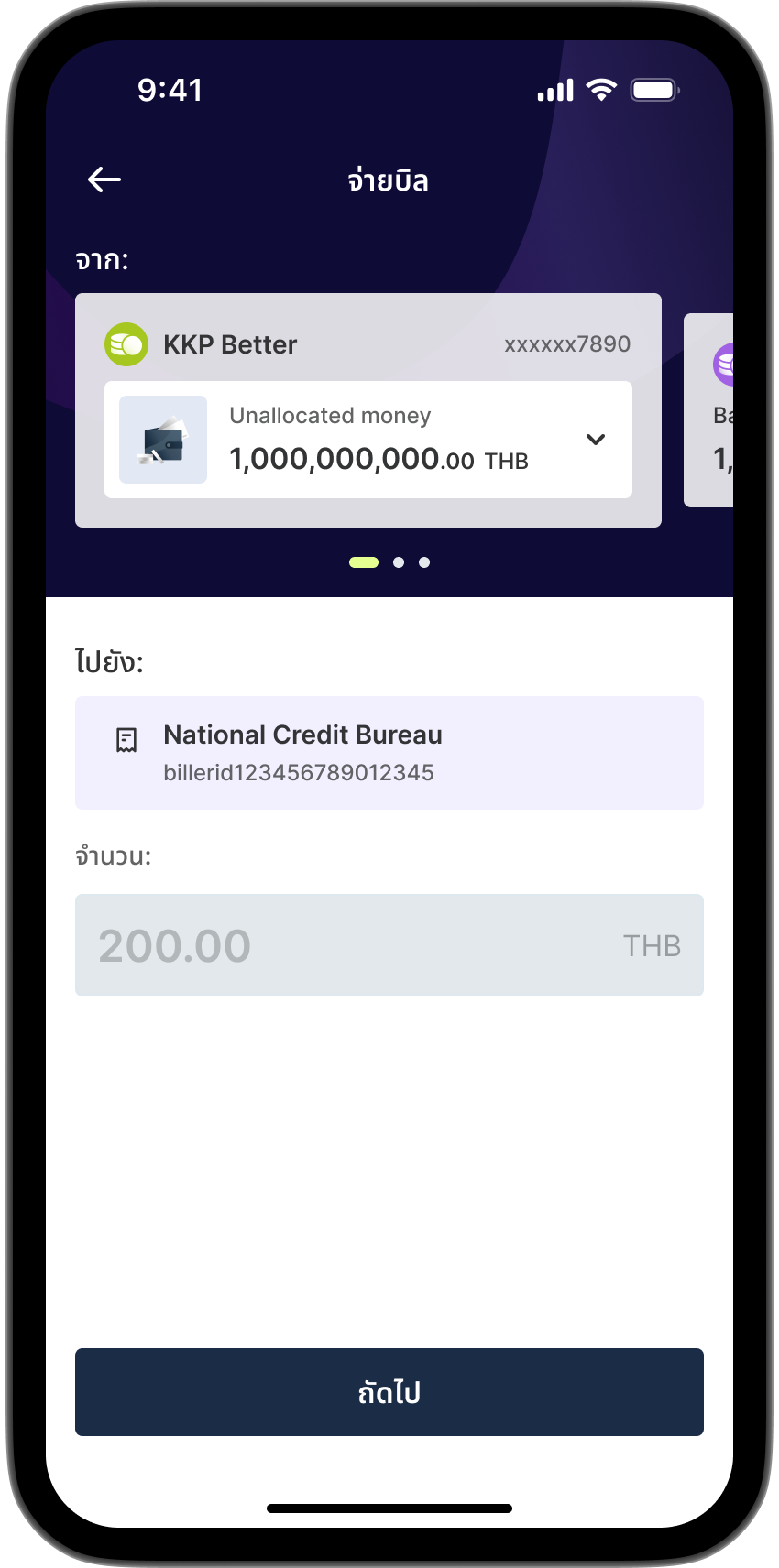
Select an account to pay the fee.
Step 9

Step 9

Review and confirm fee payment.
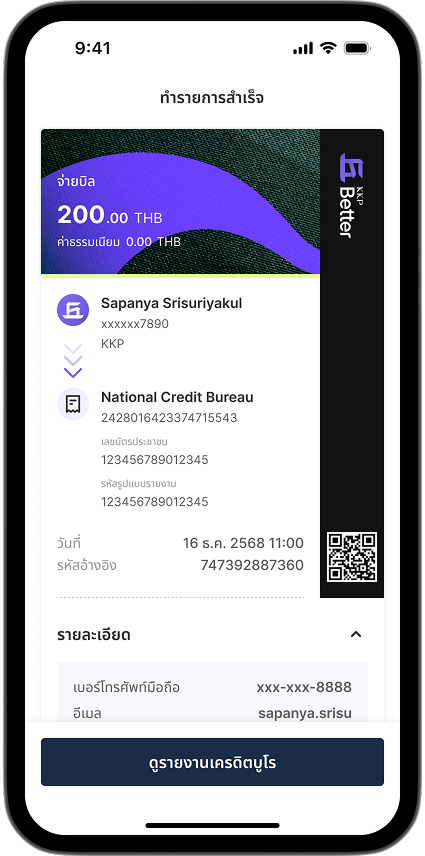
Step 10

Step 10

Fee paid and credit bureau request submitted successfully.
Tap "View Credit Bureau Report" to see your report.

Viewing Your Credit Bureau Report
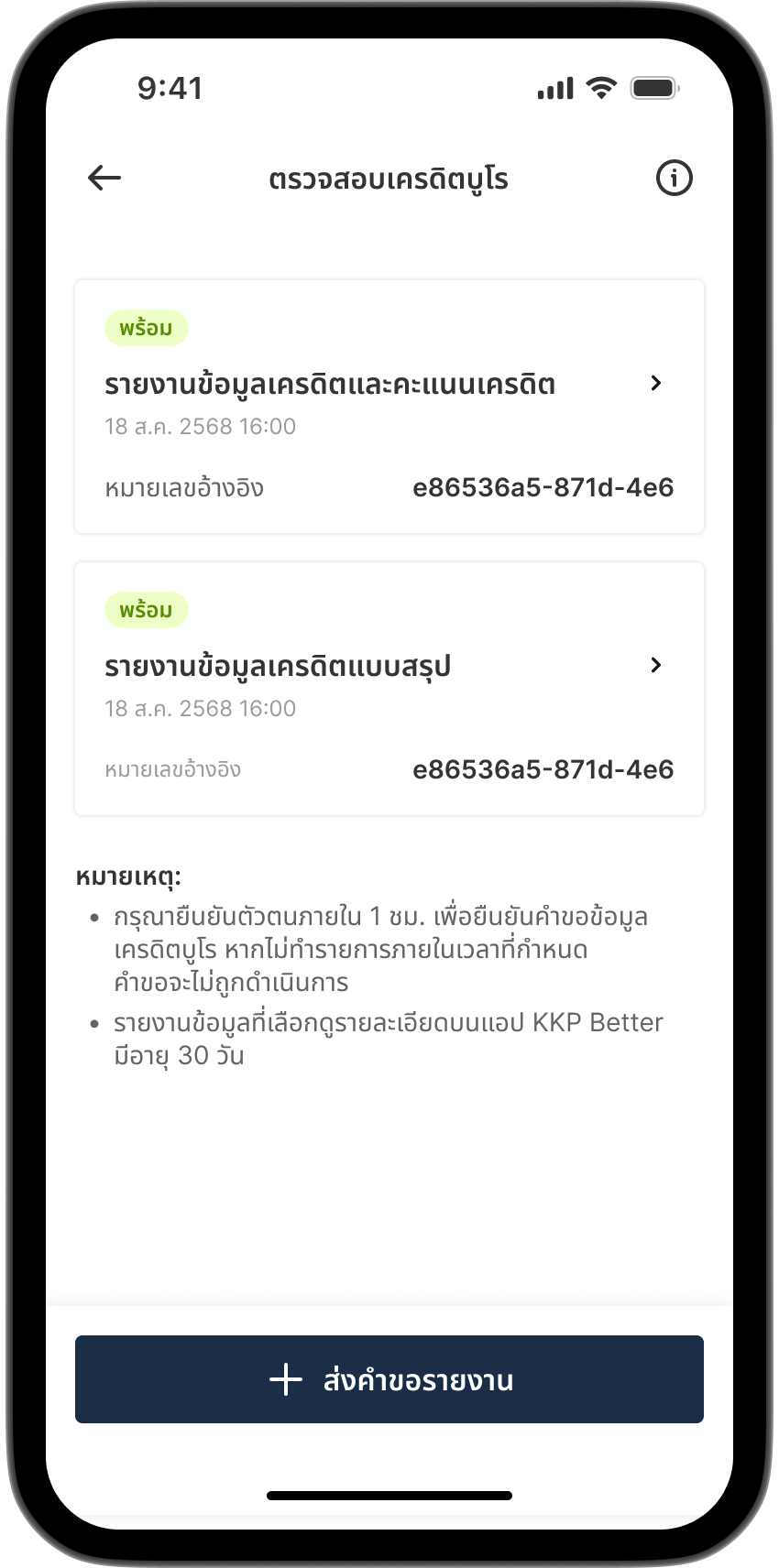
Step 1

Step 1

Select "Check Credit Bureau" from the All Services.
Step 2

Step 2

Select the "Report" you requested.
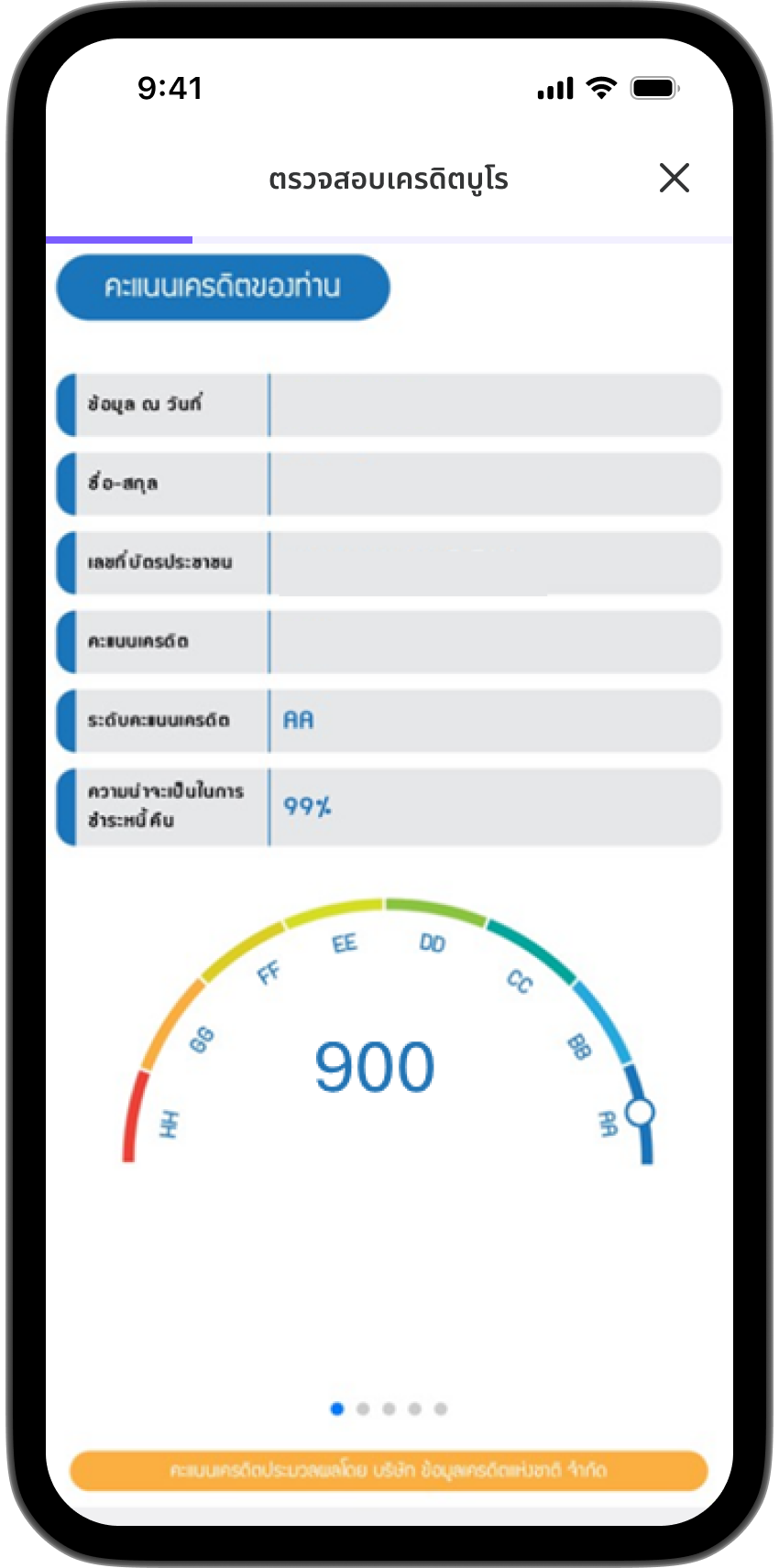
Step 3

Step 3

Sample paid report.
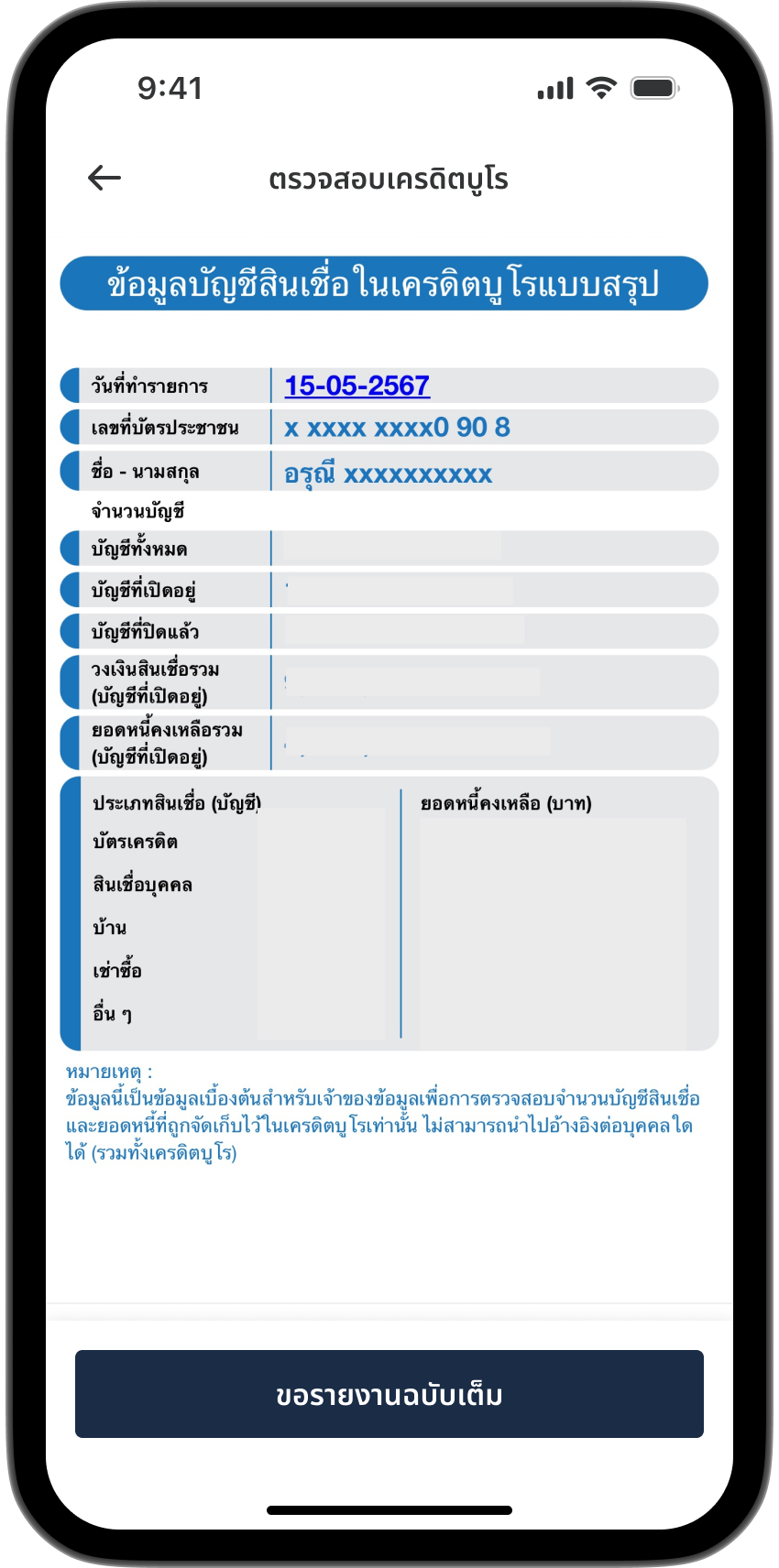
Step 4

Step 4

Sample free report.