
Using the KKP Better App
Your complete guide to a Better experience
How can we help you?
Other services
Other services
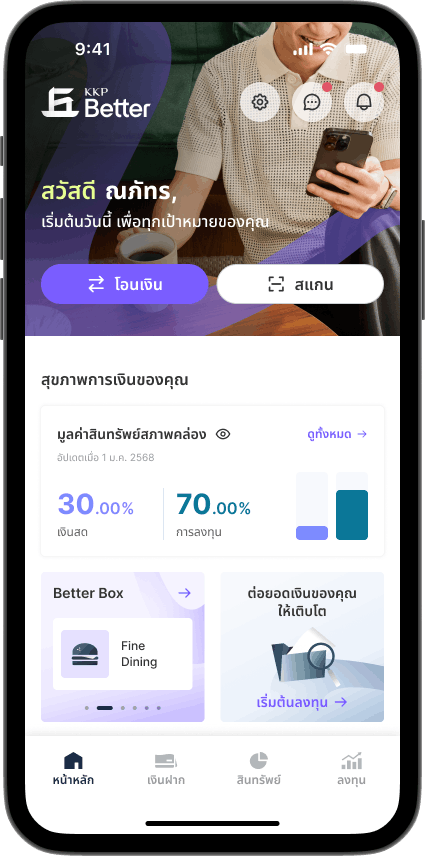
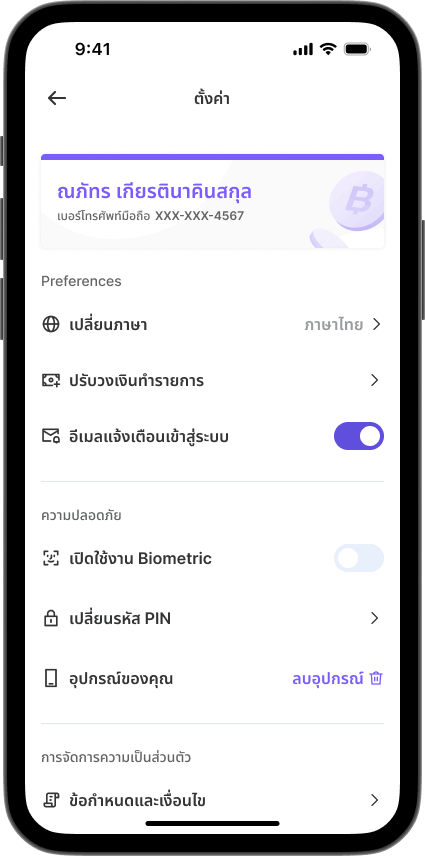
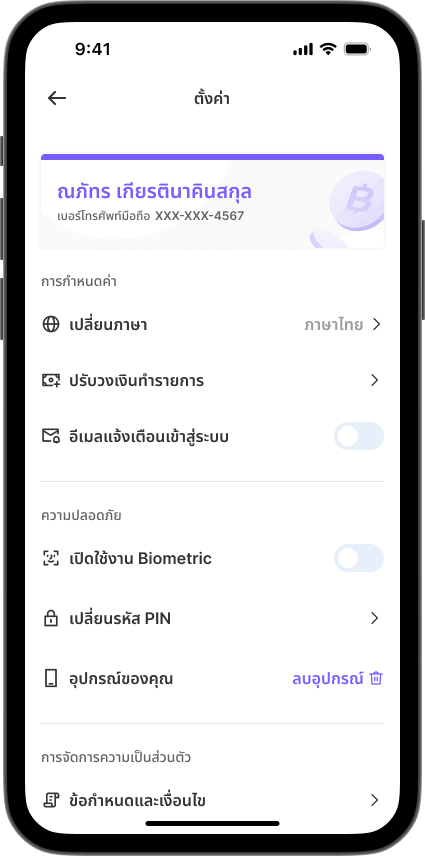
How to setting email notification



Your complete guide to a Better experience
How to setting email notification