
Using the KKP Better App
Your complete guide to a Better experience
How can we help you?
Deposit
Deposit
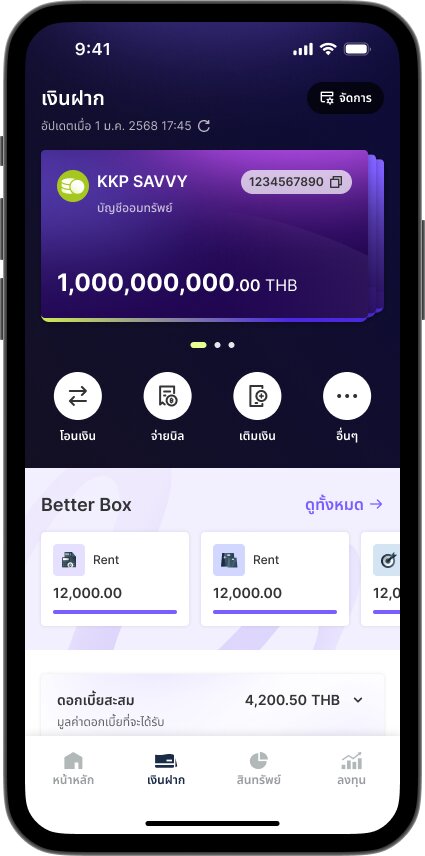
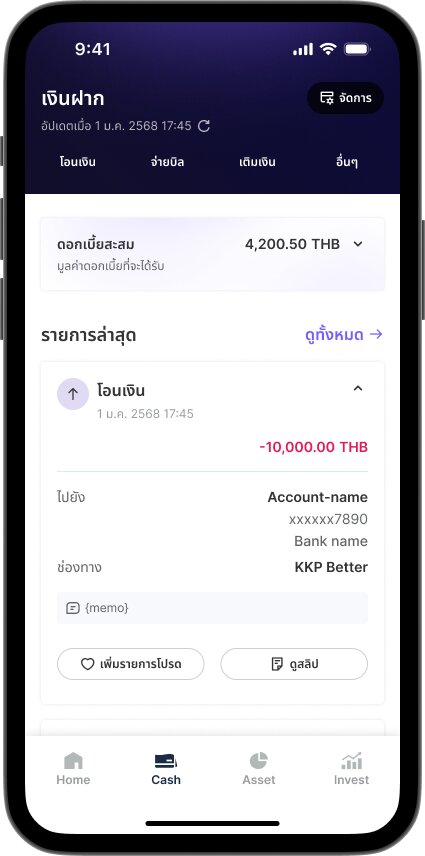
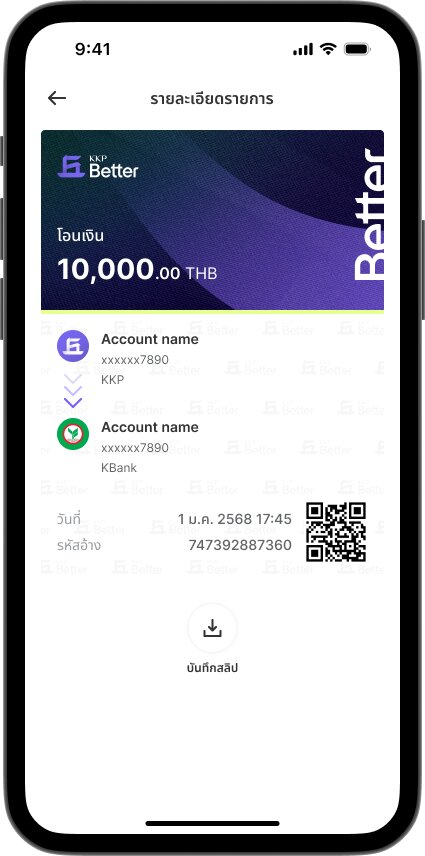
How to View Past E-Slips



Your complete guide to a Better experience
How to View Past E-Slips